Support & Resources
Access help resources and grant temporary admin access to the InfusedWoo support team.
Access help resources and grant temporary admin access to the InfusedWoo support team.
Navigate to InfusedWoo > Support.
Resources
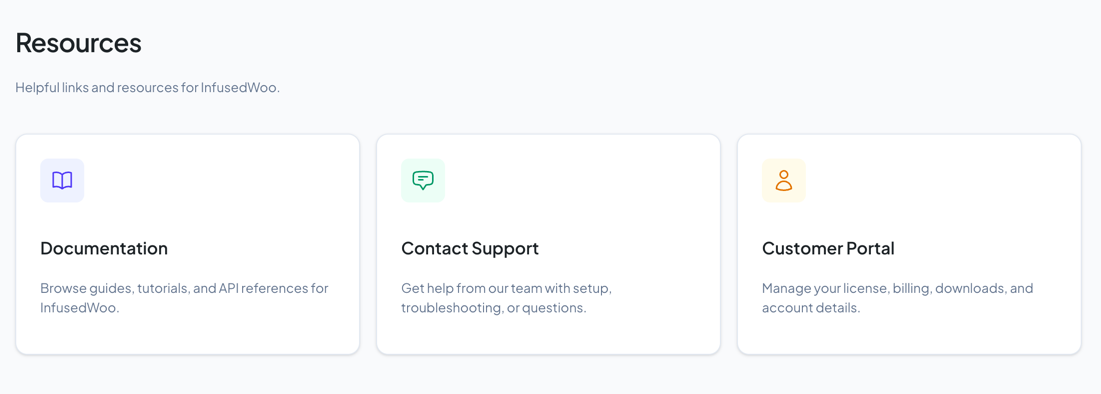
The Resources page provides quick links to:
| Resource | URL |
|---|---|
| Documentation | infusedwoo.com/docs |
| Contact Support | infusedwoo.com/support |
| Customer Portal | infusedwoo.com/portal (license, billing, downloads) |
Support Access
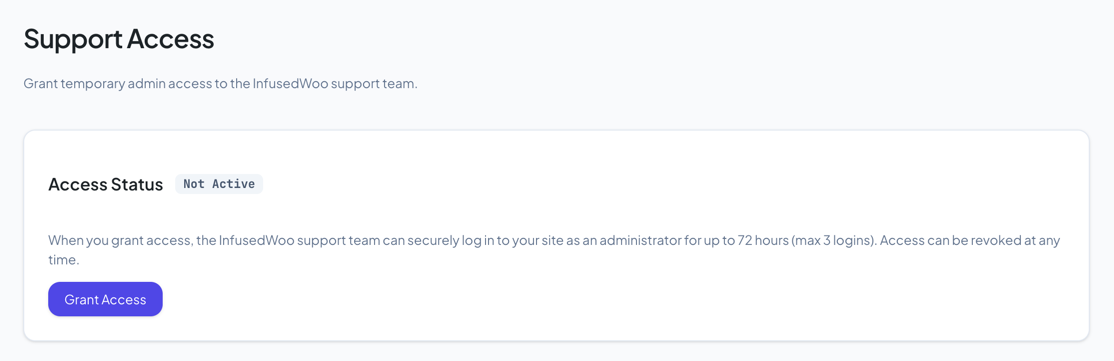
When you need hands-on help from the InfusedWoo support team, you can grant them temporary admin access to your site. This is more secure than sharing passwords.
Navigate to InfusedWoo > Support > Support Access.
How It Works
- You click Grant Access and confirm
- A secure token is generated and sent to InfusedWoo’s support server
- The support team can log in to your site for up to 72 hours (max 3 logins)
- You can revoke access at any time
Security Details
- Only the SHA-256 hash of the token is stored on your site — the raw token is held by the support server
- Each login requires HMAC-SHA256 signature verification
- Login links expire after 60 seconds and can only be used once
- Failed login attempts are rate-limited (5 per IP per 5 minutes)
Granting Access
- Go to Support > Support Access
- Click Grant Access
- Read the confirmation and click Confirm
- The status changes to Active with a countdown timer
Revoking Access
Click Revoke Access at any time to immediately:
- Invalidate the token
- Kill all active support team sessions
- Notify the support server to discard the token