Action Sets
Run legacy Keap action sets when WooCommerce purchases occur.
Action Sets
Action Sets are a legacy Keap feature that lets you run a predefined set of actions (emails, tags, tasks) when a purchase occurs. For new automations, consider using Automation Recipes or Campaign Builder Goals instead.
Navigate to InfusedWoo > Automation > Action Sets.
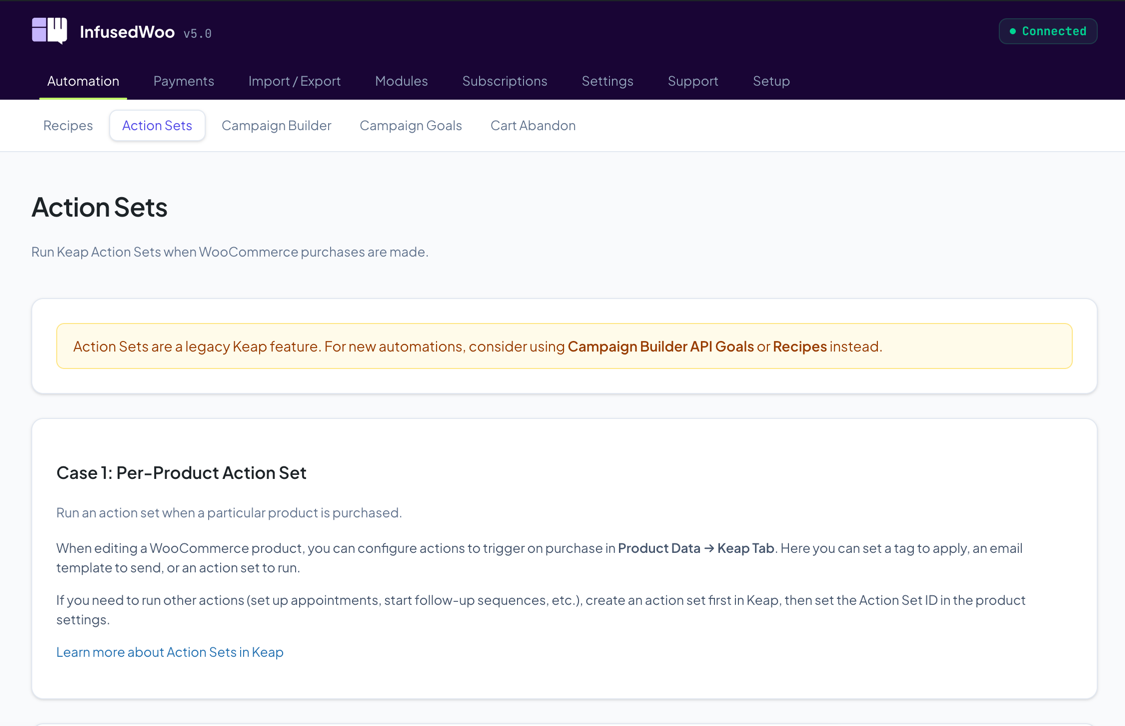
Per-Product Action Set
Run an action set when a specific product is purchased:
- Create an Action Set in Keap and note its ID
- Edit the WooCommerce product
- Go to Product Data > Keap tab
- Enter the Action Set ID
- The action set runs when that product is purchased
Any-Product Action Set
Run an action set on every WooCommerce purchase:
- Create an Action Set in Keap and note its ID
- Go to InfusedWoo > Automation > Action Sets
- Enter the Action Set number in the Action Set # field
- Click Save
Leave the field blank to disable.