How InfusedWoo Works
Understand what InfusedWoo does automatically, product configuration, and connection methods.
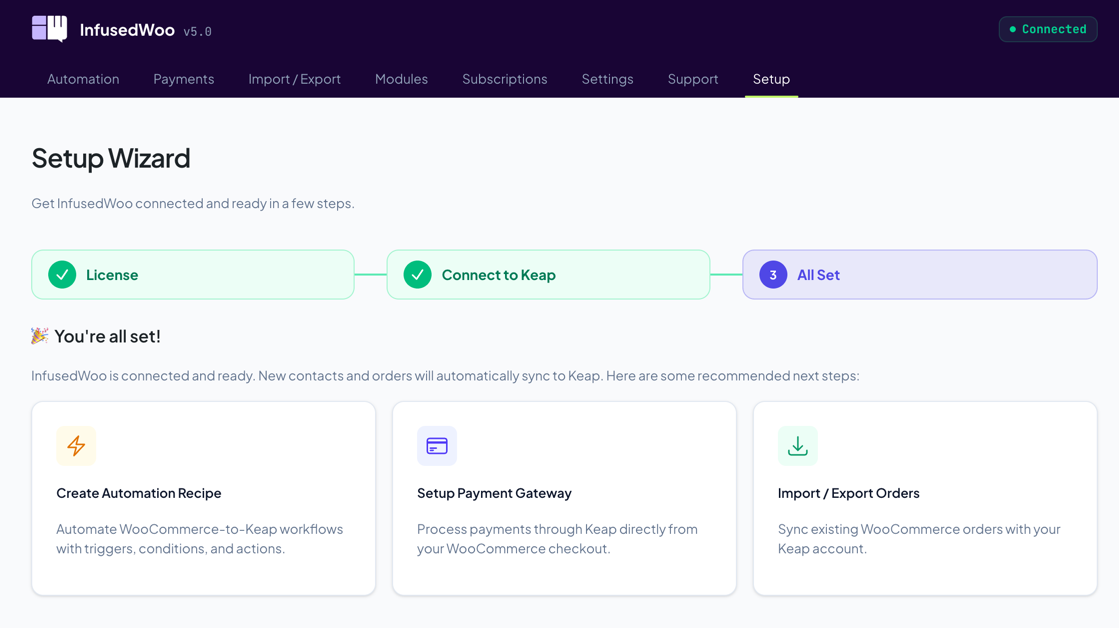
InfusedWoo connects your WooCommerce store to Keap (formerly Infusionsoft), automatically syncing customers, orders, and purchase data between the two platforms.
What Happens Automatically
Once InfusedWoo is connected to Keap, the following happens on every WooCommerce purchase:
- Contact created or updated — The customer’s billing info is sent to Keap. If a contact with the same email already exists, their record is updated.
- Order created in Keap — The WooCommerce order is recorded in Keap’s ecommerce module with all line items, totals, and payment info.
- Tags applied — Any tags configured on the purchased products are applied to the contact.
- Campaign goals triggered — API goals like
woopurchaseare fired so your Keap campaigns can react. - Automation recipes run — Any active recipes matching the purchase trigger execute their actions.
Product Configuration
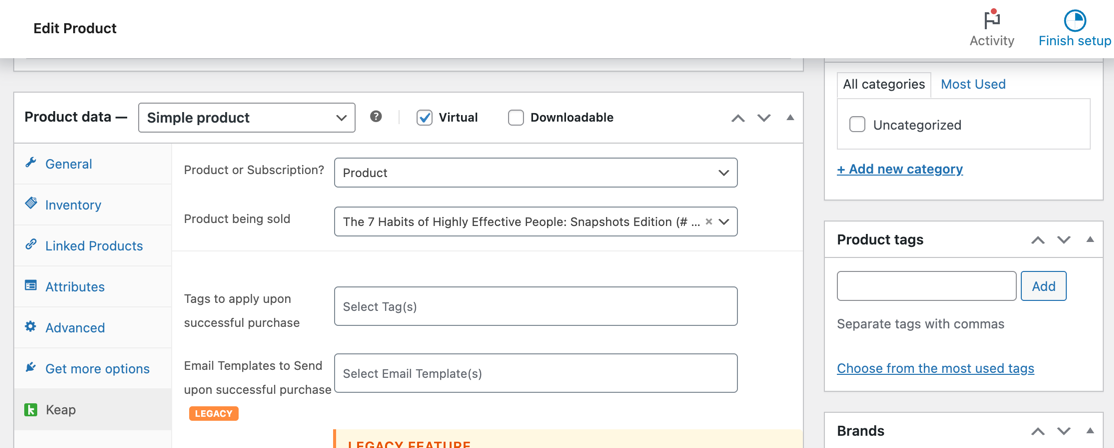
Each WooCommerce product can be linked to Keap actions. When editing a product, go to Product Data > Keap tab to configure:
| Setting | What it does |
|---|---|
| Keap Product | Link to a specific Keap product for order tracking |
| Tag on Purchase | Apply a Keap tag when this product is purchased |
| Email Template | Send a Keap email template on purchase |
| Action Set | Run a Keap action set on purchase |
| Subscription | Link to a Keap subscription plan instead of a one-time product |
Subscription Products
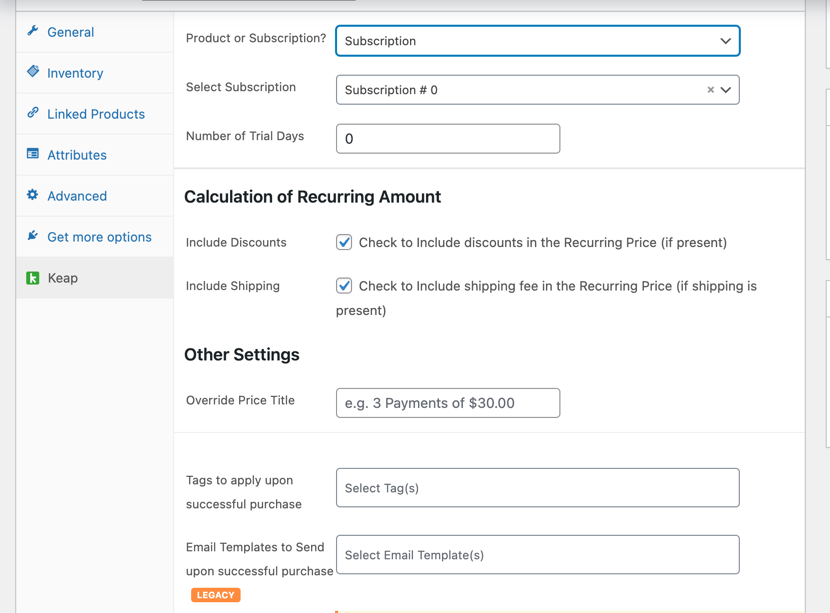
When “Product or Subscription?” is set to Subscription, additional options appear:
- Subscription Plan — Select from your Keap subscription plans
- Trial Days — Number of free trial days before billing starts
- Sign-up Fee — One-time fee charged at checkout
- Discount Calculation — How WooCommerce discounts interact with subscription pricing
Connection Methods
InfusedWoo communicates with Keap via API. There are three connection options:
| Method | Best For | API Limits |
|---|---|---|
| Standard OAuth | Most stores | Shared limits (500k daily across all users) |
| Custom OAuth | High-volume stores | Dedicated limits (150k daily, 1,500/min) |
| SAK (Service Account Key) | Backup / standalone | 30k daily, 240/min |
See Keap Connection for setup details.
REST API vs XML-RPC
InfusedWoo supports both Keap’s REST API (v2) and the legacy XML-RPC API. The REST API is the default and recommended option. Keap is deprecating XML-RPC in December 2026.
You can control which API is used per service in Settings > API Settings. See API Settings.
Where to Go Next
- Want to automate workflows? See Automation Recipes
- Setting up payments? See Keap Payment Gateway
- Importing existing data? See Import & Export