License
Manage your InfusedWoo license key, activation status, and renewals.
License
Manage your InfusedWoo license key. A valid license is required to receive plugin updates and access support.
Navigate to InfusedWoo > Settings > License.
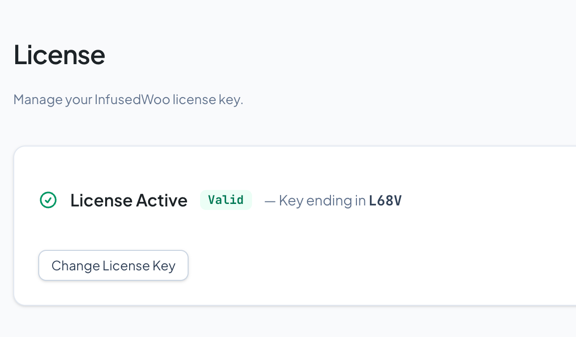
License Statuses
| Status | Meaning | Action |
|---|---|---|
| Valid | License is active | None needed |
| Invalid | Key not recognized | Double-check and re-enter your key |
| Expired | License has expired | Renew in the portal. Renew within 30 days for 50% off |
| Conflict | Duplicate activation | Deactivate other sites or contact support |
| Domain Limit Exceeded | Too many active sites | Deactivate unused sites in the portal |
| Blocked | Site not allowed to use this key | Contact support |
Activating a License
- Get your license key from the InfusedWoo Customer Portal
- Enter the key on the License page
- Click Activate
Changing License Key
Enter a new key and click Activate. The old key is replaced.
What Happens When a License Expires
- InfusedWoo continues to function (your store keeps working)
- You stop receiving plugin updates
- After a grace period, the setup wizard locks until the license is renewed
- Renew at infusedwoo.com/portal