Cache
Manage cached Keap data including contact fields, products, and subscription plans.
Cache
InfusedWoo caches data from Keap (contact fields, products, subscription plans) to minimize API calls. The cache refreshes automatically every 6 hours.
Navigate to InfusedWoo > Settings > Cache.
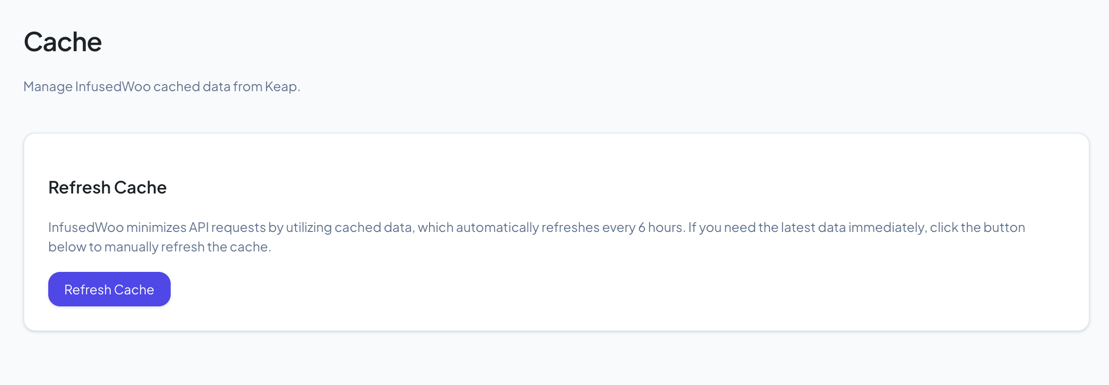
Manual Refresh
Click Refresh Cache to immediately fetch fresh data from Keap. This is useful when:
- You just created new custom fields in Keap and they’re not showing up
- You added new products or subscription plans in Keap
- Tag categories or other data appear outdated
- You’re troubleshooting and want to rule out stale cached data
What Gets Cached
- Keap contact fields (standard and custom)
- Subscription plan data
- Product data
All caches are stored as WordPress transients and expire automatically.